Screenshots
Browse your screenshots and pin the ones you need.
November 16–30, 2026
OnlySwitch
OnlySwitch provides a unified interface for your most used system toggles. Open source, free, and designed for macOS.
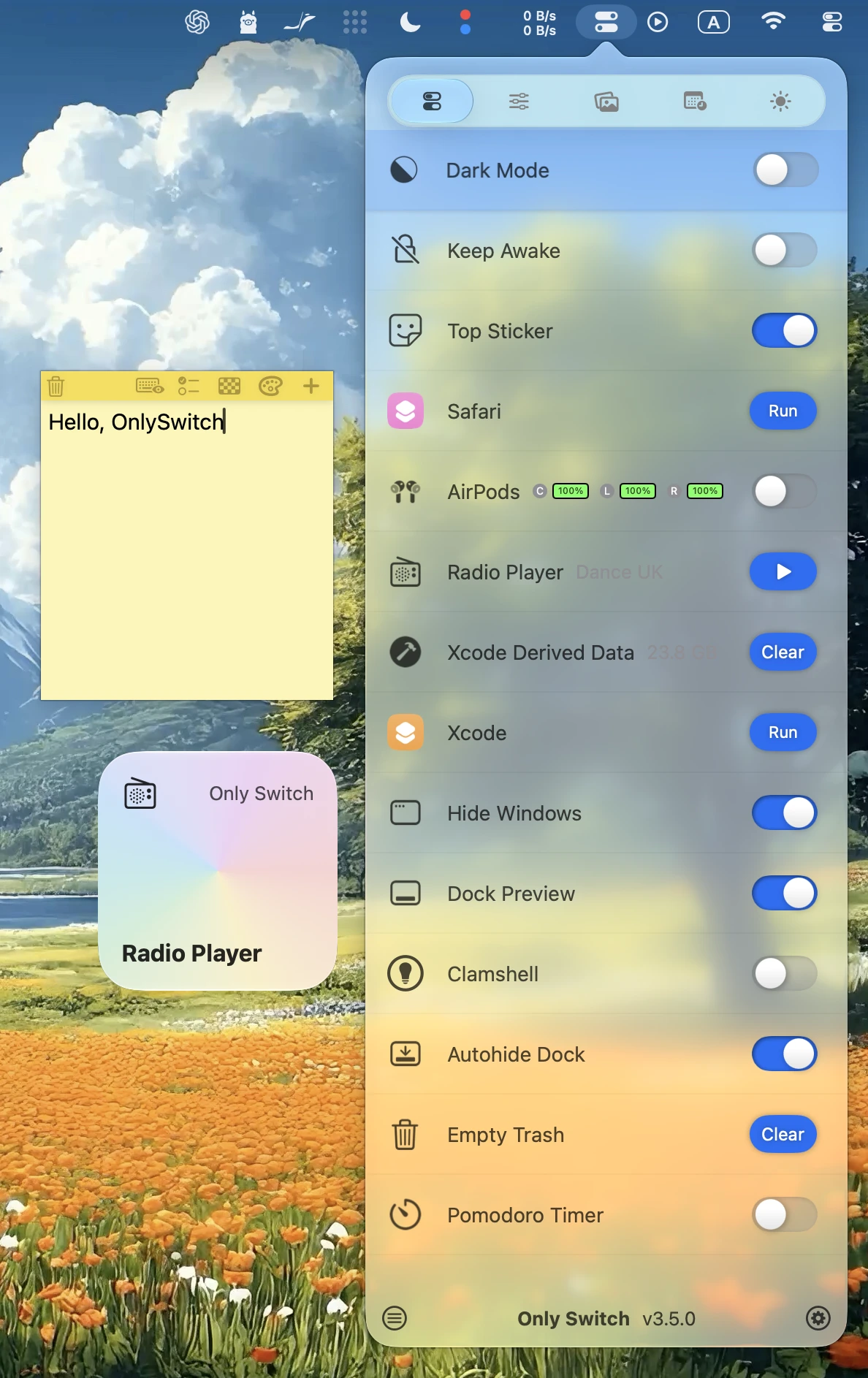
Customize your tabs and bring everyday Mac controls together in one place.
Browse your screenshots and pin the ones you need.
Run your switches automatically on a schedule.
Fine-tune each app with EQ and multiple audio outputs.
Drop in an app, scan its files, and review before removing.
Clean up your desktop instantly for presentations or screenshots.
Toggle system-wide dark mode with a single click.
Make the top menu bar black to seamlessly hide the MacBook notch.
Listen to your favorite online radio stations directly from the menu bar.
Keep your Mac awake, with an option to stop after manual sleep.
Quickly clear Xcode Derived Data to fix build errors.
Add OnlySwitch widgets to your desktop or Notification Centre for quick access.
Configure system settings instantly using natural English commands.
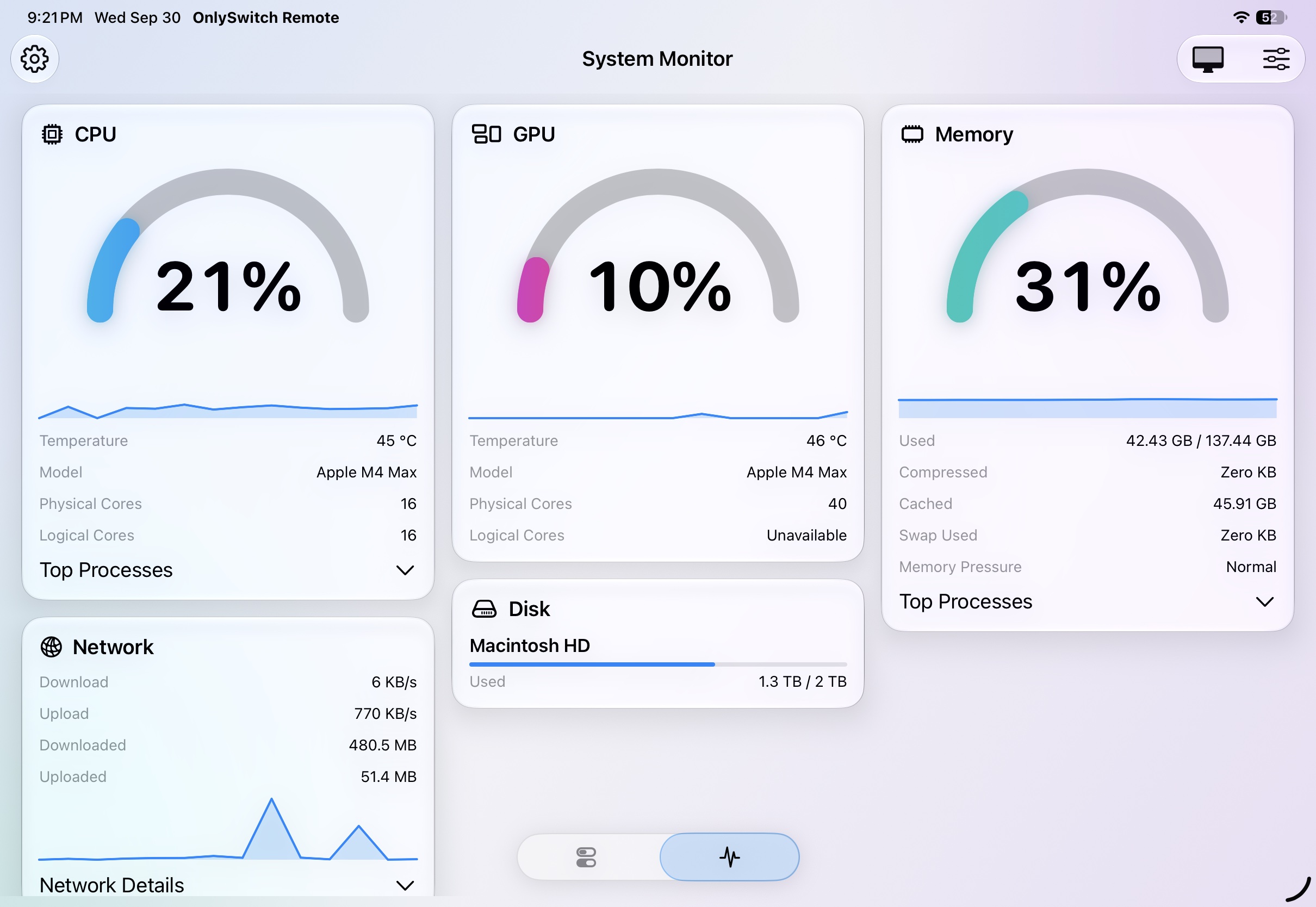
Keep an eye on your Mac's essential system activity right from OnlySwitch.
Adjust display brightness from its own tab.
Control Tailscale with a convenient switch.
Control media from Dock Preview or play and pause with your desktop pet.
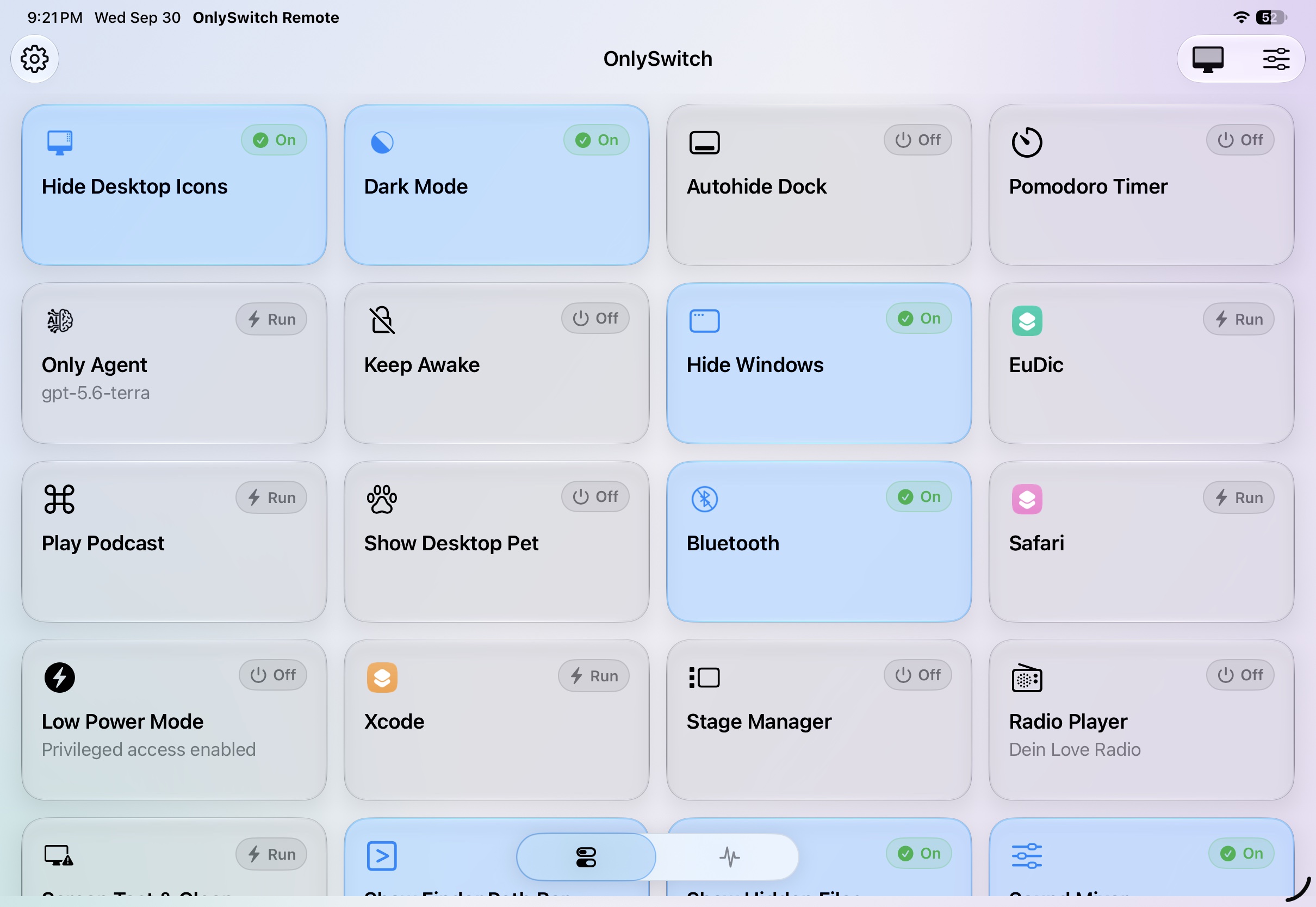
Use your favorite OnlySwitch controls from your iPhone or iPad.
New in OnlySwitch
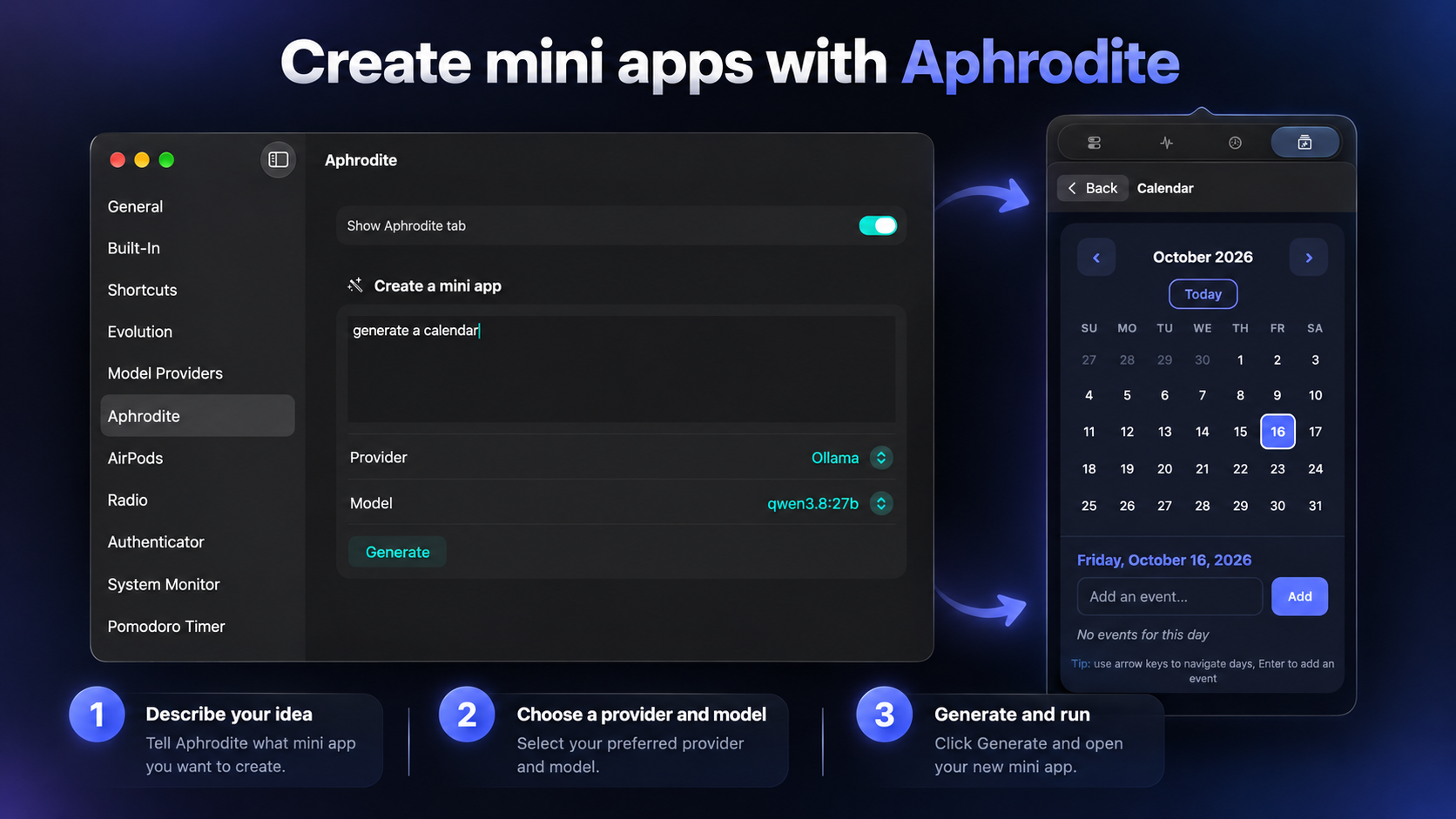
Aphrodite lets you describe the tool you need, choose your preferred AI provider and model, then generate a ready-to-run mini app inside OnlySwitch.
Ask our built-in website helper about features, compatibility, and pricing.